checked against your photo
Every photo is compared with your original for colour, print and fit before you see it.
Fashionfy takes the product photos already in your store and puts each garment on a model — studio, street, interior or close-up. It writes the title, description and SEO too. Nothing changes in your store until you press Add.
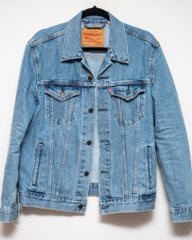
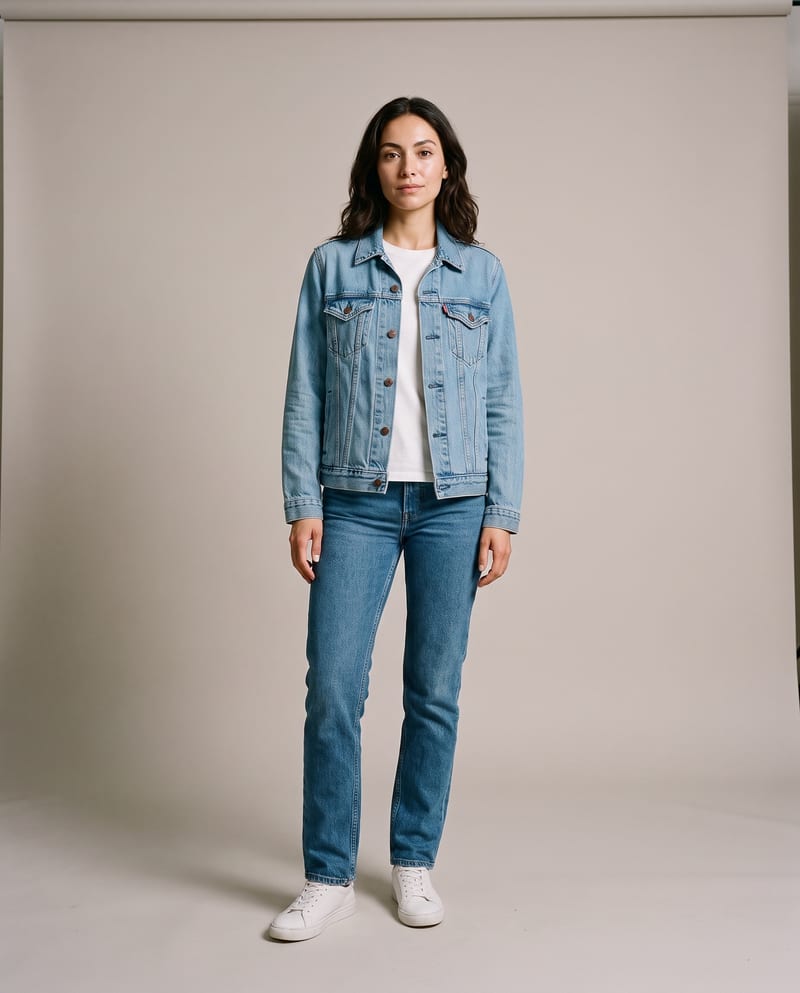
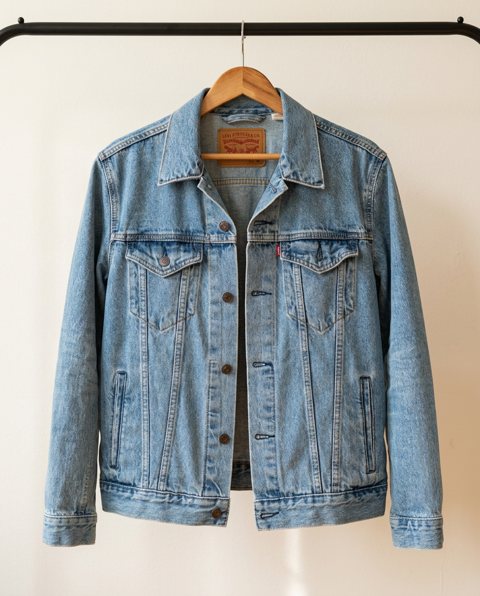
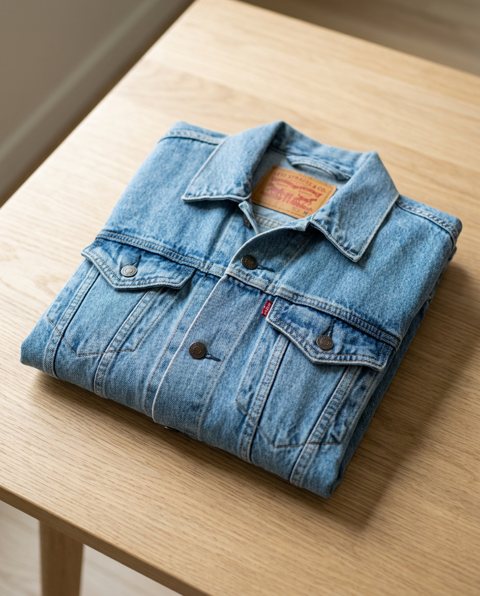
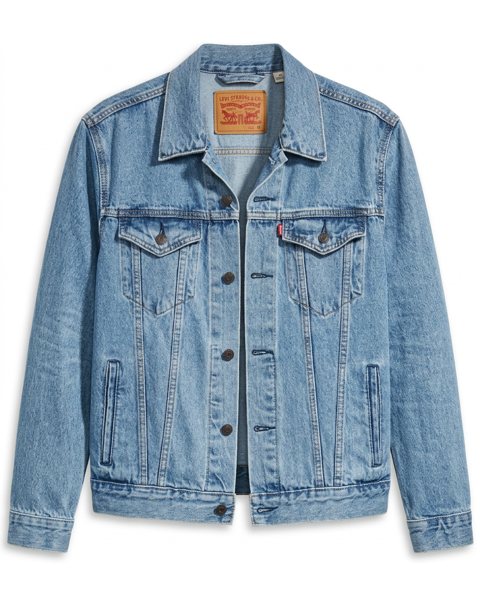
Same jacket in all 56 photos. Colour, print and fit are checked against the hanger photo before you see them.
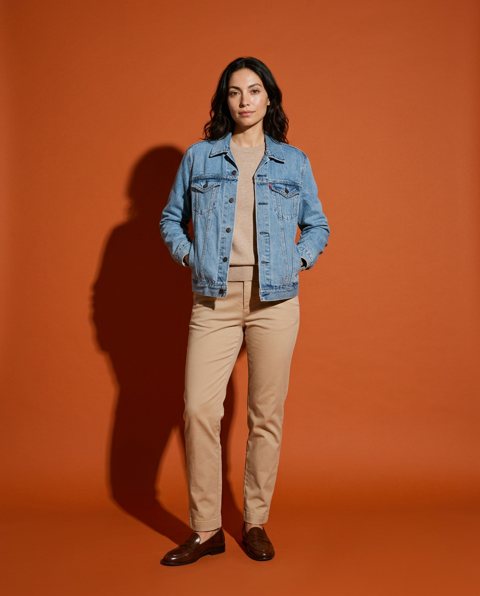
Pick a style for each photo of the set — one for the whole store, one per product type, or one per item. Or let Fashionfy pick.
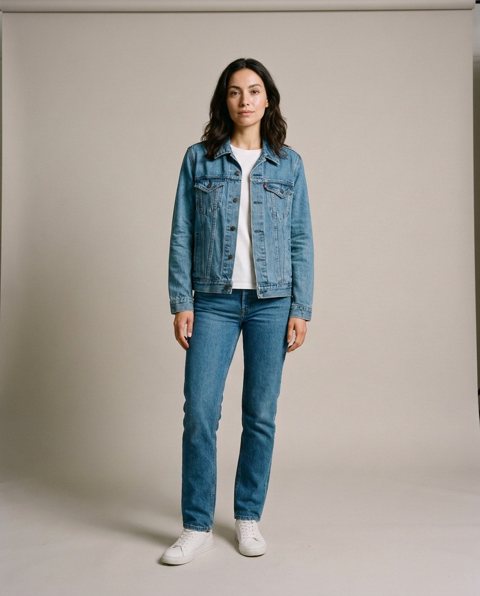
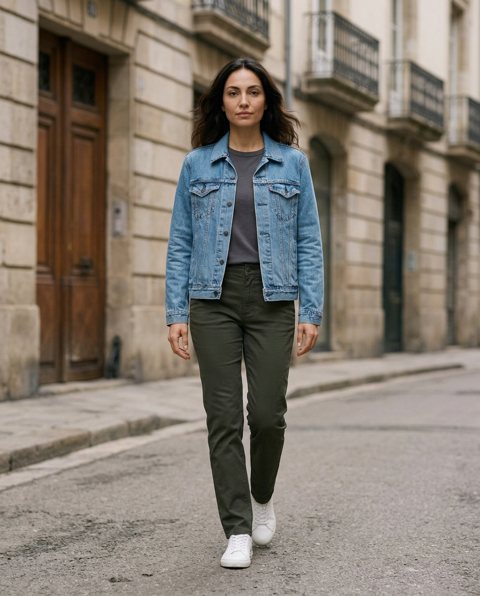
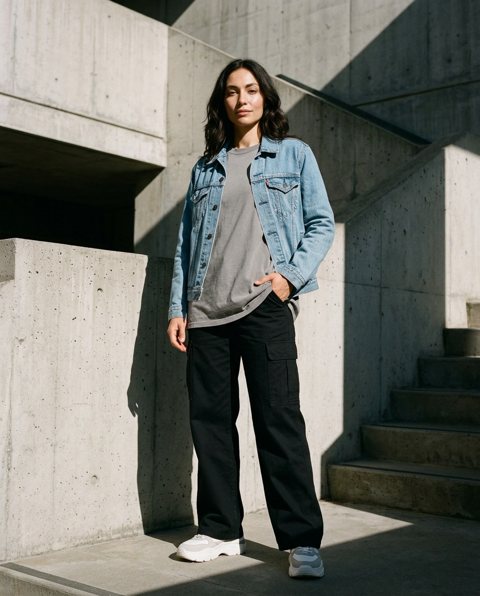
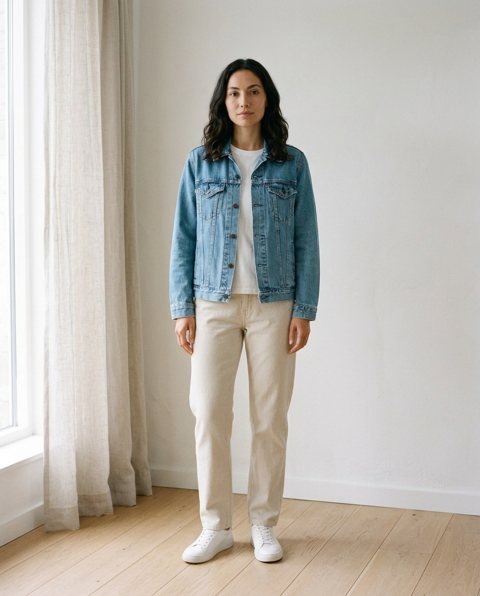
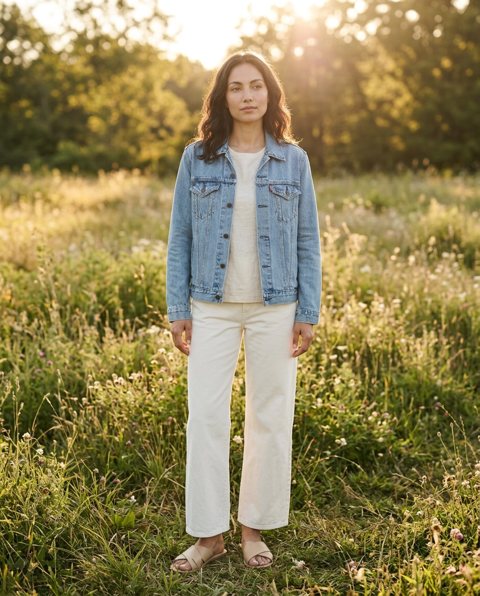
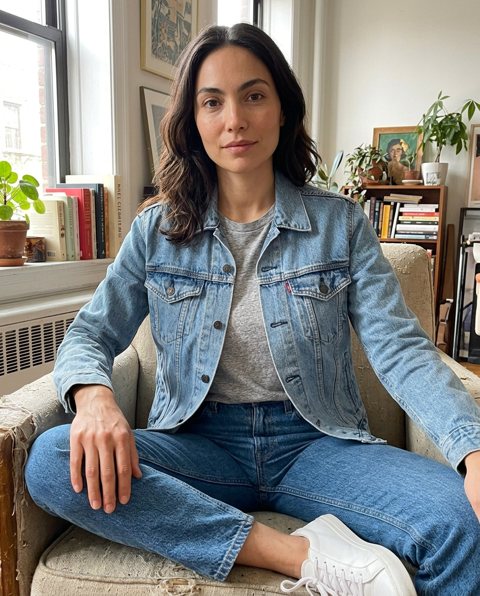
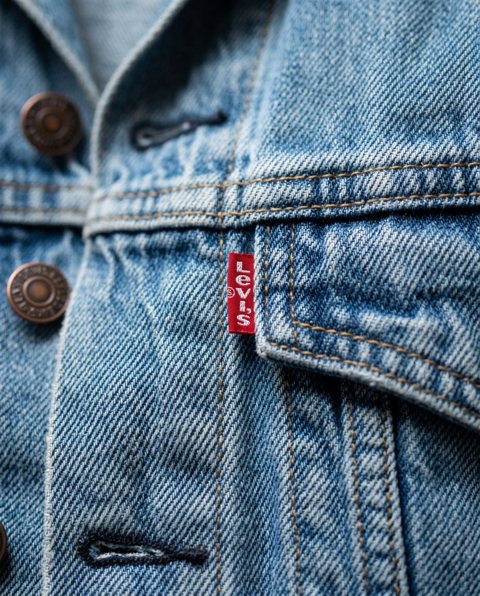
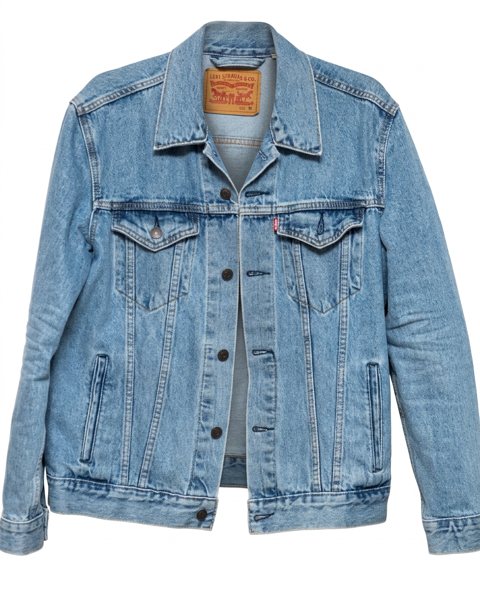
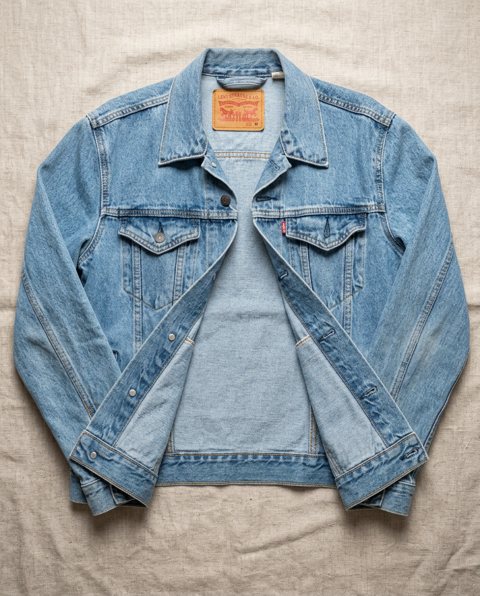
Kidswear, lingerie and swimwear are always shot without a model. Shoes, bags and accessories get a packshot or a flat lay instead of a hanger.
Tick the products you want. The ones with few photos are listed first. Any product with at least one photo works.
Up to three photos per item, each in its own style. Press Generate — a set takes about a minute, and the page updates by itself.
Look at each photo and the new texts. Press Add, and they go to the product. Redo a photo if you want — the first redo of a set is free.
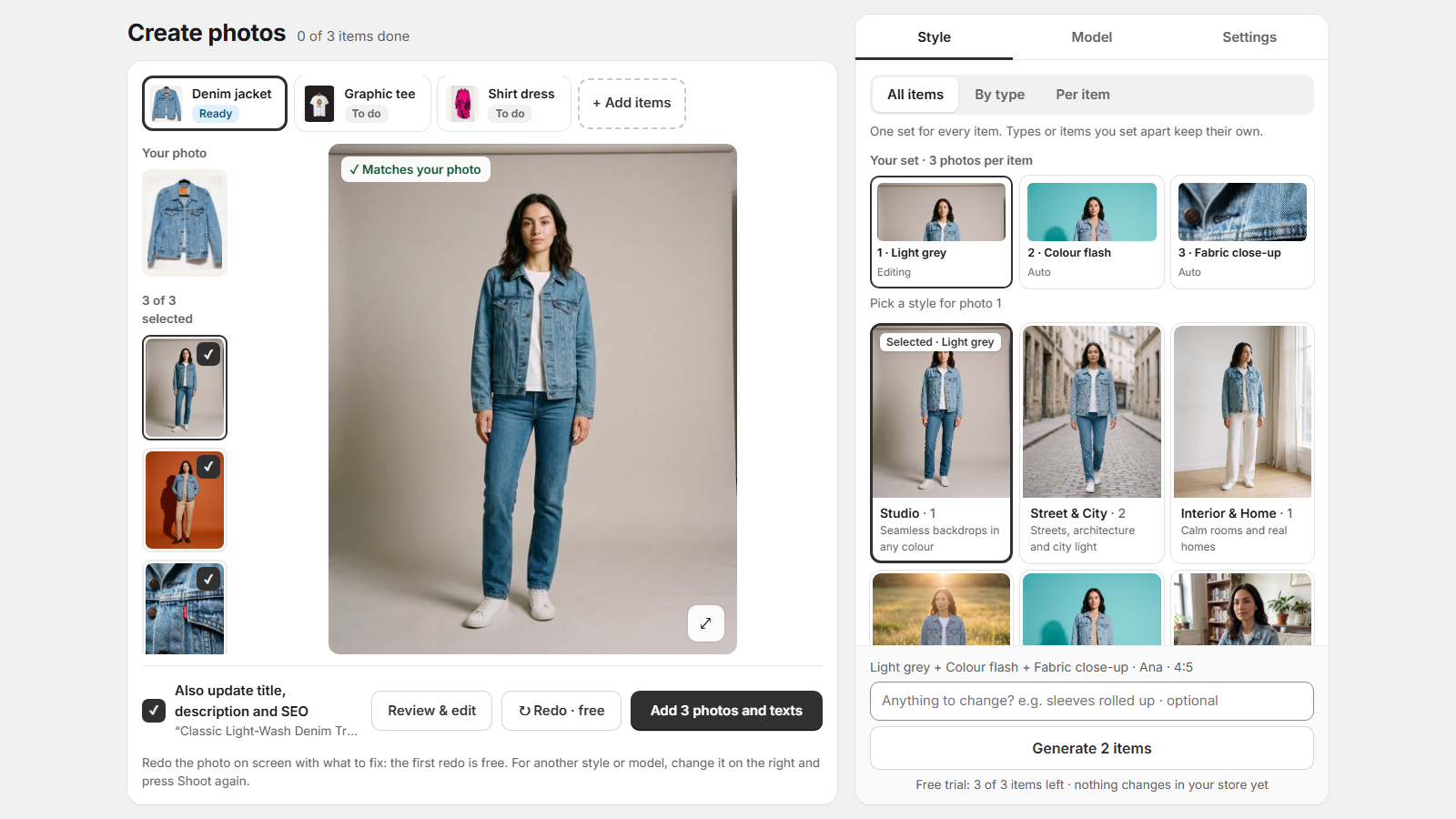
The app, as it looks in your admin. Also on every product page: More actions → Create model photos.
Every photo is compared with your original for colour, print and fit before you see it.
If the check is not sure about a photo, it is not selected. You look, then decide.
Written from the photo, next to your current texts. Edit them before adding — in English, French, German or Ukrainian.
We keep the texts from before. One click puts them back.
Photos are saved to your Shopify Files. They stay in your store, even if you uninstall the app.
Add one product at a time, or every ready item in one go — from the app or from a product page.
$0
when you install
$19/ month
or $190 a year
$39/ month
or $390 a year
$89/ month
or $890 a year
One item is up to 3 photos of one product in 2K, with its texts and a free redo. 4K photos count as 2 items. No subscription? Item packs: 10 for $6, 30 for $15, 100 for $45 — valid for 12 months.
No. Fashionfy starts from the product photos already in your store — on a hanger, flat, on a mannequin. A product needs at least one photo.
That is what the check is for. Each photo is compared with your original for colour, print and fit. A photo the check is not sure about starts unticked, and you see every photo before it goes anywhere.
Nothing, until you press Add. Then the photos go to the product's media, and the new texts replace the old ones — which you can put back with "Undo text changes". Your theme is never touched.
Clothes, shoes, bags and accessories. Kidswear, lingerie and swimwear are always shot without a model: on an invisible mannequin, flat, on a hanger or as a packshot.
Only products and files — it never reads customers, orders or payments. Details in the privacy policy.
Yes, any time, in the app. Billing runs through Shopify, so it is on your usual Shopify bill, and your plan stays until the end of the period you paid for.
We do — a77, from Geneva, Switzerland. We read every message ourselves and answer within a day.
Write to us and we'll send you the link the day it's live — or a way to try it on your store before then.